<img src="https://ad.doubleclick.net/ddm/activity/src=10024890;type=invmedia;cat=front0;dc_lat=;dc_rdid=;tag_for_child_directed_treatment=;tfua=;npa=;ord=1?" width="1" height="1" alt=""> DAM for publishers: what to look for before you choose
Skip to content
Digital Asset Management Media & Entertainment

DAM for publishers: what to look for before you choose

Last updated on: 1. October 2026

DAM for publishers is Digital Asset Management built around the pace of an editorial desk: images ingested in seconds, sorted by metadata instead of folders, cleared for rights before publication, and pushed straight into the CMS. When choosing one, publishers should look for high-volume ingestion, deep metadata control, workflow automation, open integrations, and support for provenance standards. Most importantly, the DAM must keep up with the speed of the newsroom that it serves.
Why do publishers need a Digital Asset Management system?

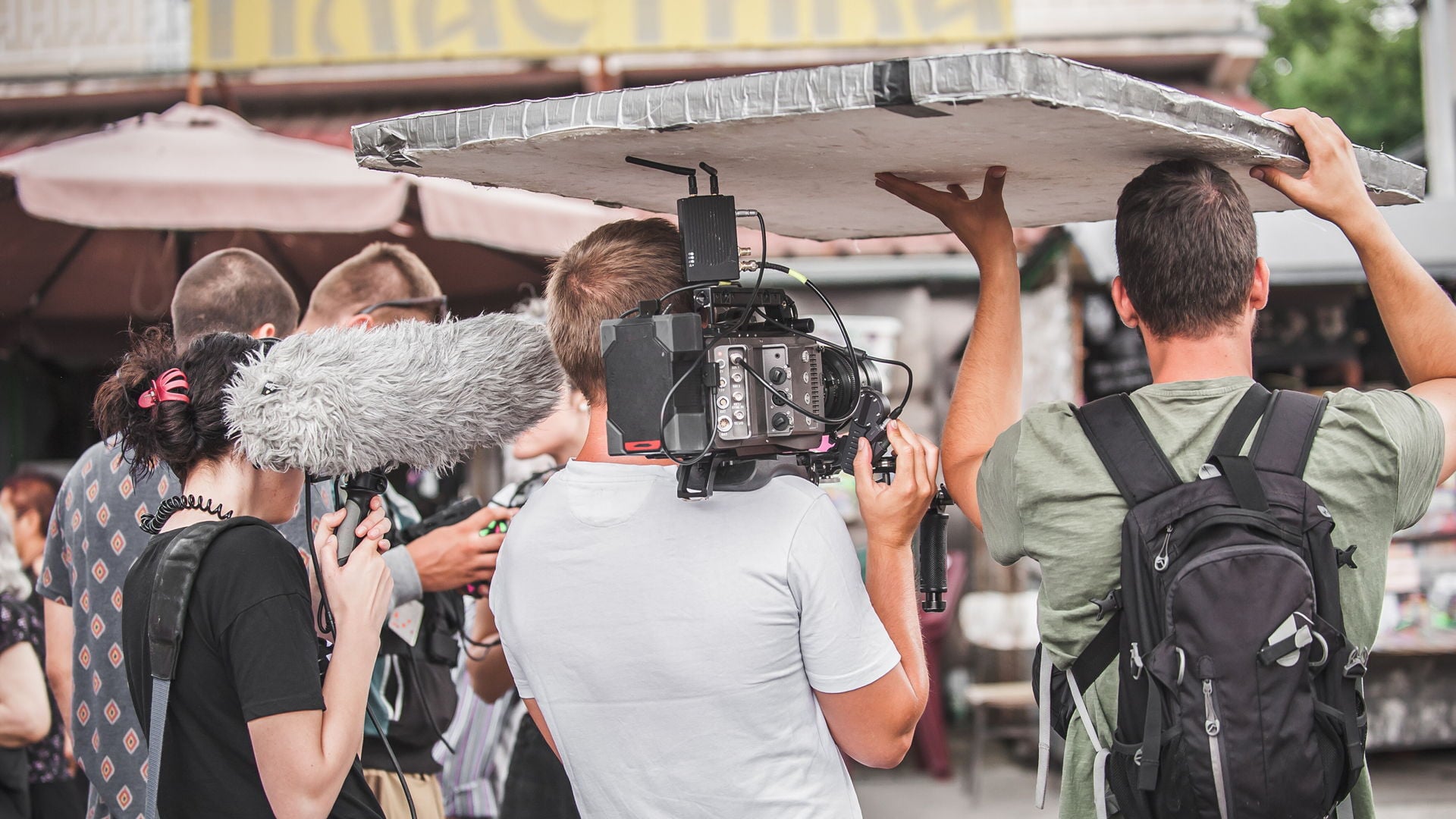
Publishers need a Digital Asset Management (DAM) system because editorial deadlines don't wait for anyone to find the right photo. A picture desk takes files from staff photographers, agencies, freelancers, and contributors in the field, and each one arrives with a credit, a license, an expiry date, and a caption that has to survive intact all the way to publication.

While shared drives and folder trees can handle storage, they struggle to handle image rights and versions, and to do this at high speed. Without the proper system in place, what ends up growing is a so-called "dark archive": a library so large and so thinly described that finding a usable image takes longer than commissioning a new one. The file exists, and its licenses are in order, but it can't be found in time to matter.

A DAM replaces the dark-archive structure with a solution built on metadata. Here, the file-location stops being an issue, because the process of locating it is based on what it is, who owns it, where it may be used, until when, and for what purposes. All of this information is stored within the file itself, and travels with it throughout its lifecycle. This is what makes an archive searchable at scale, and what excels automation.

Read more: SNS group - bringing sports to life through photography

What role does speed play in a publishing workflow?

Speed in publishing is the time between the shutter closing and a correctly credited image going live. Everything between is the publishing workflow, and most editorial teams lose their minutes at five central places.

  1. Ingestion that makes people wait: If a photographer needs to manually upload files, and the desk waits for processing to finish before anything can be used, it can cause considerable delays while the story is still moving.
  2. Search built on folders and filenames: Anyone who doesn't know the naming convention by heart, might end up unable to locate the right files, and the few who do know it ends up becoming bottlenecks.
  3. Approval steps that are done by hand: Selection, cropping, resizing, color adjustments, and sign-off are predictable parts of the workflow, and predictable work is exactly what should be automated.
  4. Missing integrations: Manual downloads and re-uploads between the archives, the editing tools, and the CMSs, create duplicates waiting to be published by mistake, delays every publication.
  5. Image rights and approval checked at the end: Discovering at a late stage in the publication workflow that an image can't be used, sets editors back to start, and can be an expensive mistake if discovered too late.

DAM fixes these problems: High-throughput ingestion over SFTP ensures immediate processing; automatic metadata population keeps files searchable from the moment they arrive; customized metadata-driven workflows routes files to the correct people without anyone chasing them; and an open API allows for a seamless integration to the CMS and direct paths to digital channels. A good example is Time Out, who rebuilt its publishing workflows to ensure a seamless flow from ingestion to publication, or Klambt Verlag who automated several steps in the editorial workflow from ingest to print.

Read more: Fully automating the editorial workflow - a case study of Klambt Verlag.

Read more: How Time Out transforms publishing workflows with Fotoware Veloz

Group 1040
eBook:

5 essential DAM Workflows

A guide to Digital Asset Management workflows that enhance efficiency, collaboration, and compliance.
Download

Do publishers need a DAM or a MAM?

Digital Asset Management (DAM) and Media Asset Management (MAM) solutions solve different problems, and it's common for many media groups to use both.

A common misconception is that a DAM is built around still images, while a MAM is built for videos. This is not the case. In fact, most DAMs support storage and management of video files, and most MAMs allow for storage of image files. The difference lies in the type of work the platform is made to perform.

Explained in short, a DAM function as an orchestration and automation engine focused on the individual assets. It's the platform one would rely on to ensure that files are tagged with the correct data, made available in the right channels, and moved throughout their lifecycle at high speed. It's the ideal tool for managing high volumes of media assets, especially when time to publish and data quality are of the essence.

A MAM, on the other hand, is more focused on the video production timeline. The system's job is to manage long-form video and audio content and make the correct versions of such files available on the right channels. For this type of work, other capabilities come into play, such as advanced video editing and live production workflows. Typically, a MAM will handle a lower volume of more complex production files.

 Read more: DAM vs MAM: key differences, use cases, and when you need both


DAM for Publishers Fotoware illustration

What kind of DAM do publishers need?

Publishers need a DAM where metadata is the engine rather than a bookmark. A classic media bank that allows for simple tagging will make files findable, but won't solve other challenges related to the publishing workflow, such as routing files or documenting provenance.

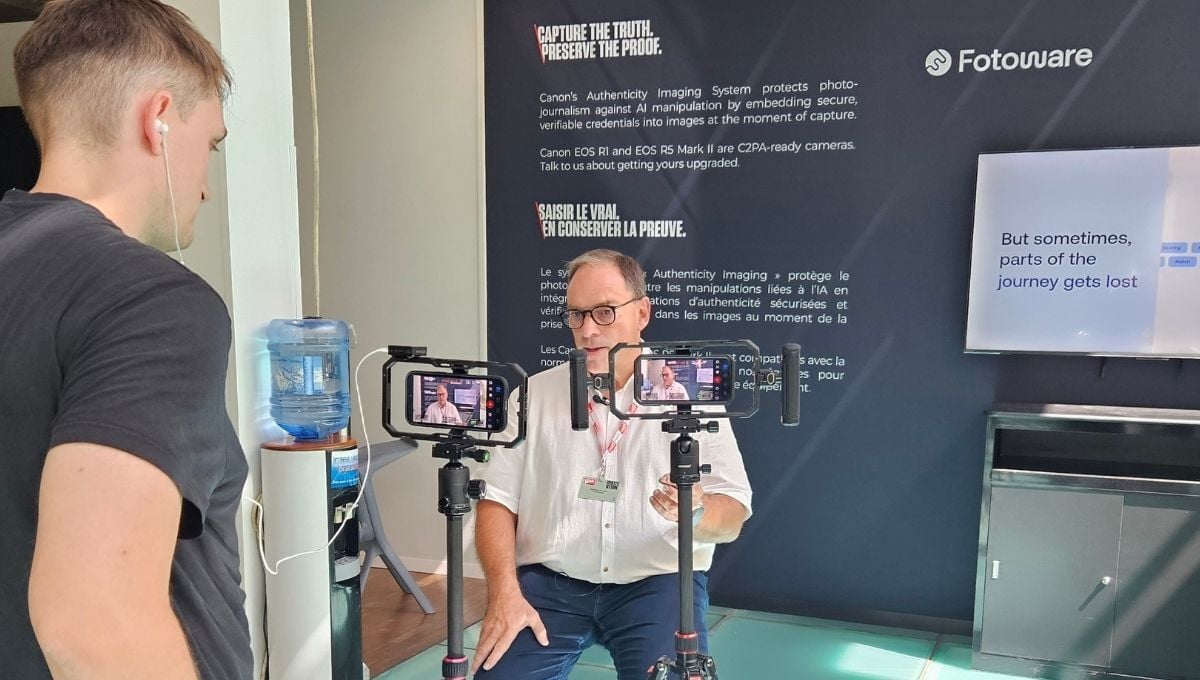
Most importantly, publishers need a DAM that fully supports all the standards that the industry already relies on, including IPTC, XMP, EXIF and most recently; C2PA. These standards should be built into the system from start, so data isn't rewritten or quietly dropped during workflows.

Additionally, the DAM should allow editors to establish and maintain a controlled vocabulary, so that data values are represented correctly and identically across the ecosystem. AI can suggest tags at volume, and it should, but the established vocabulary should function as the source of truth.

Lastly, the chosen DAM must support field work instead of assuming a good connection between the moving parts. Photographers cull, caption, and send from press rooms, stadium stands, and moving cars. A desktop client that keeps working offline, and an SFTP feed that moves large volumes without duplicates, are of high value to every picture desk with high volumes of incoming assets.

Learn more: Digital Asset Management for Media & Publishing

Which capabilities should publishers look for?

Every system needs to earn its place, and a DAM is no exception. These nine capabilities decide whether a publishing team gets faster or simply gets another system to maintain.

  1. High-volume ingestion, including SFTP transfer, so thousands of files arrive without manual uploads or duplicates.
  2. Automatic metadata on arrival, drawn from camera data, from metadata macros, and from AI-powered tagging.
  3. Image rights and license management as a first-class function, with expiry dates, usage restrictions, and credits bound to the file.
  4. Workflow automation driven by metadata, so files route themselves for approval, conversion, and distribution.
  5. An open API, plus ready-made plugins for key tools, such as Photoshop, InDesign, and the CMS you already run.
  6. Desktop and offline access for field work, alongside browser and mobile.
  7. Support for IPTC, XMP, EXIF, and C2PA, with no data loss when files move between systems.
  8. Granular permissions and full activity logging, so external contributors can work inside the system instead of around it.
  9. Proven performance on archives measured in millions of files, not thousands.
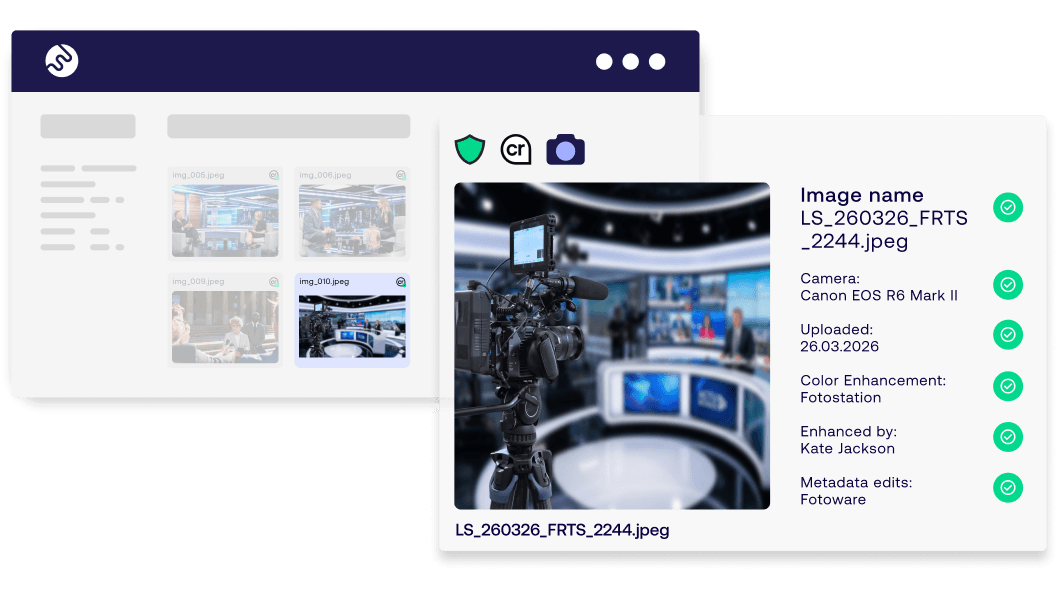
  10. Built-in end-to-end C2PA support, ensuring that image provenance is maintained within the DAM, and can be inspected without relying on third-party tools and manual downloads and uploads.

Read more: Fotoware launches Content Authenticity: complete C2PA support in the DAM

integrating-dam-cms-ove-yesenia

Why is horizontal flexibility essential for publishers?

Publishing is a discipline operating across multiple different systems. Today's media groups typically run a CMS, an editorial planning system, creative tools, advertising technologies, and an archive. Each of those systems has its own capabilities and internal owners. Therefore, buying them as one bundle is seldom a good idea, and means accepting the weakest components.

This is where a DAM bought as a module inside of a larger platform tends to disappoint. It stores files well enough, and then the automation, the metadata configurations, and the integration options turn out to belong to the platform around it. Additionally, if you were to replace one part of the stack later, you would end up having to renegotiate all of it, which includes involving system owners across departments, and become a time-consuming and expensive process.

A DAM built API-first stays replaceable in both directions. It connects to what you run today; it can be connected to whatever replaces that in three years. In other words: it doesn't hold the rest of the ecosystem hostage. For a small publisher, one suite may well be enough, but for an international media group, that lock-in becomes a ceiling.
How does C2PA protect trust in published images?

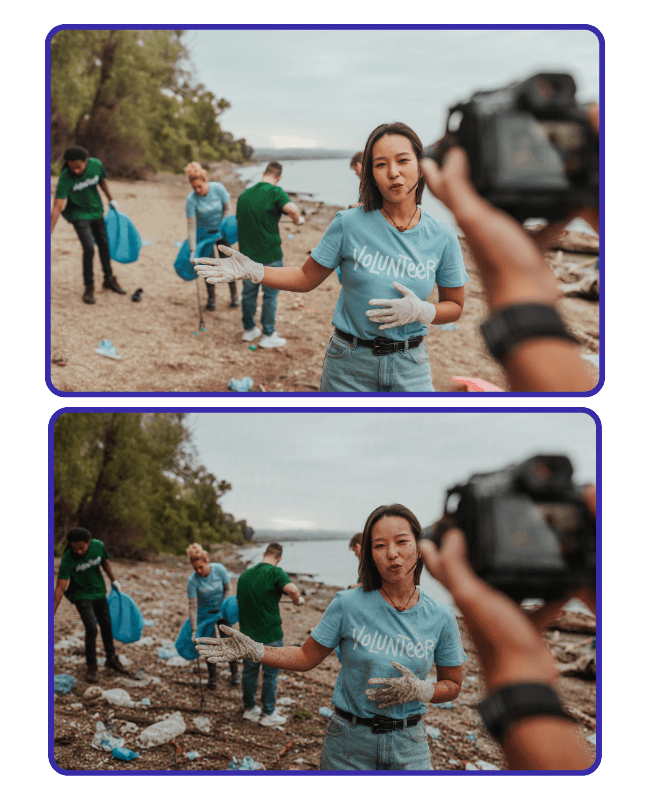
C2PA protects trust by binding a tamper-evident record of an image's origin and edit history to the file itself, so anyone downstream can check where a picture came from and what was done to it. It's the practical answer to a problem that no picture desk can eye-check any longer, namely; whether an image is authentic.

For a publisher, the chain of custody usually breaks inside the DAM, as this is where the content items spend most of their lifecycles. An image arrives signed, then it's cropped, captioned, resized, and exported, and if the DAM doesn't carry the credentials through every step, the proof is gone before publication.

A signed image that loses its history in the DAM is worth no more than an unsigned one. Fotoware offers end-to-end C2PA support, ensuring that credentials are preserved on ingest, and that every additional change is recorded as a new signed step within the file, carrying the proof carried through export.

Read more: The EU AI Act and DAM: labeling AI and proving authenticity

What must publishers do to succeed with a DAM?

A good DAM rarely fails on its own. However, the implementation could fail if nobody owns the metadata. These five things separate the publishers who get a high ROI and ones who end up with an expensive and inefficient digital archive:

  1. Agree on the metadata models before migration and ensure that the vocabulary matches the one that people actually use.
  2. Adjust the metadata models, so they are adapted for each role and only require manual population where automatic options aren’t available.
  3. Automate ingestion first. It carries the most repetition and pays back fastest.
  4. Connect the CMS and the creative tools early, so the DAM becomes the shortest route to work rather than an extra stop along the way.
  5. Name a system owner. Both the data structures and other settings may need to be revisited and adjusted in time, and this works best if one person has the responsibility and mandate to make such adjustments.

Publishers that do this end up with an archive that holds its value: images that can be found in seconds, reused with confidence, licensed, and sold with documented provenance.

proving-whats-real-cta-blog
Webinar

Proving what's real: the role of DAM in Content Authenticity

Why content credentials break, and the role Digital Asset Management systems plays in ensuring that they don't.


On-demand webinar with a full demonstration of how to trace image provenance within the DAM.
Watch the webinar

On this page