AI content enrichment Make every asset searchable, usable and ready for workflows
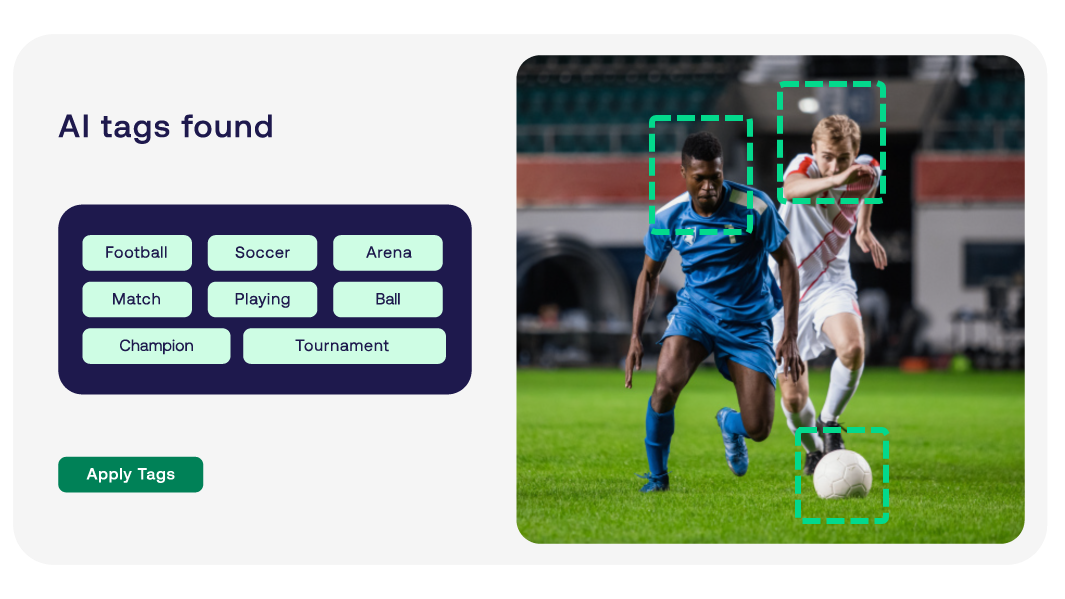
When content volumes grow faster than teams can tag them, you'll have files that exist but can't be found. Fotoware uses AI to analyze each asset and generate descriptive tags, captions and categories, so your content is searchable, organized and ready to use from day one.
- Detect people, objects, logos, and motifs
- Tag, caption, and categorize images and files
- Run enrichment when you choose, on the files you choose
- Controlled vocabularies keep terminology consistent across the library
AI metadata translation Make your content searchable across languages
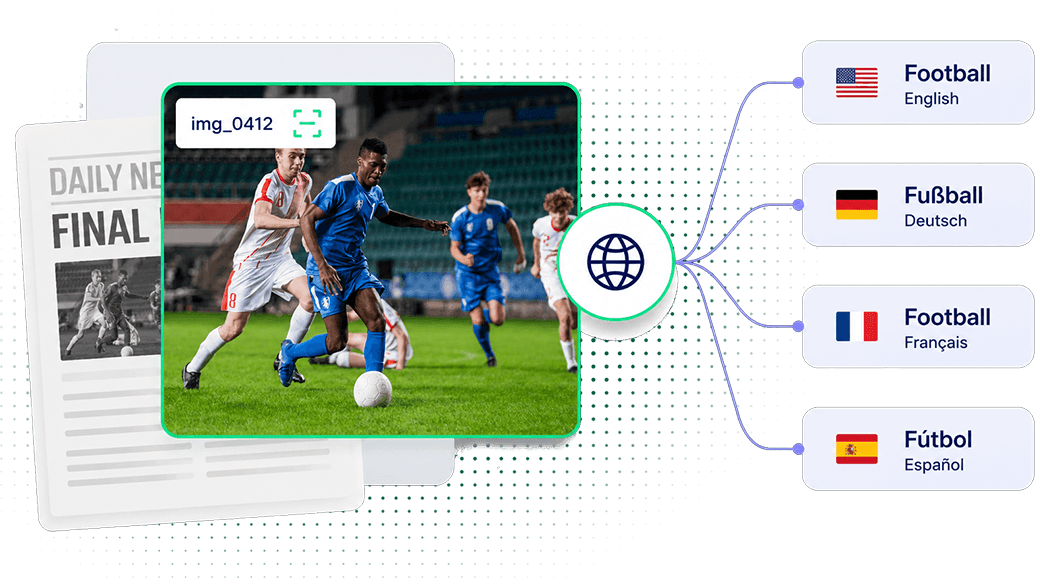
A library tagged in one language locks out every team working in another, leading to duplication of work across markets. Fotoware automatically translates tags, image descriptions, and OCR-extracted text into multiple languages, so the same file is discoverable everywhere it needs to be.
- Auto-translate tags, descriptions, and extracted text into multiple languages
- Store translated metadata alongside original metadata
- Make global libraries searchable in local languages
Natural language search Find the right image by describing what you need in plain language
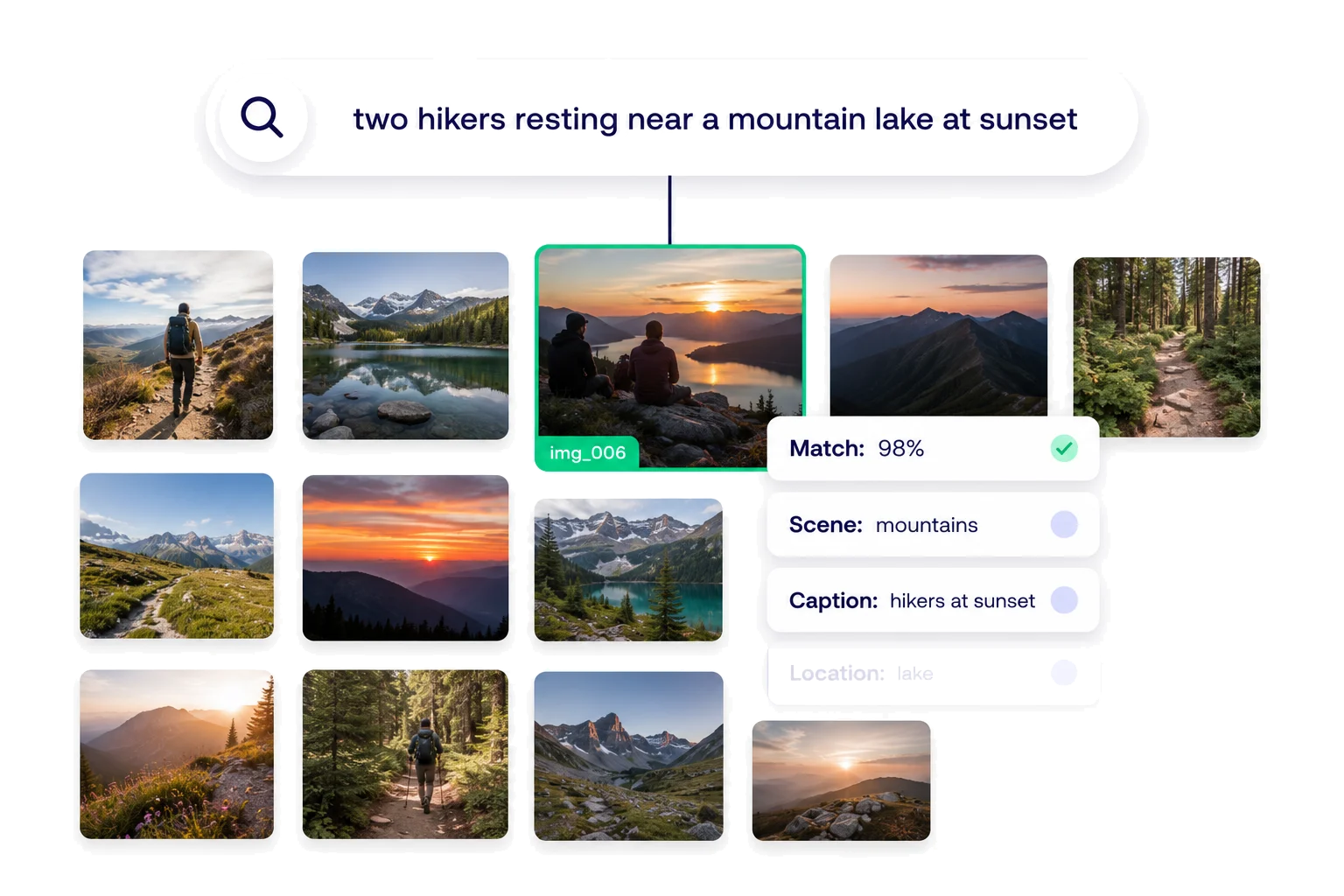
You don't have to guess the exact keyword when searching. Describe the image you want in plain terms, and Fotoware uses natural language search to interpret what you mean and matches against the metadata already added.
- Search in plain language, not just keywords
- Enter complex queries and get relevant results
- Surface the right files even when metadata is sparse
Duplicate detection Keep your library free of redundant files, reduce storage
In growing libraries, duplicate and near-identical files accumulate quietly, wasting storage and making version control harder. Duplicate detection can identify redundant or low-value assets across the library so teams can clean up with confidence.
- Identify exact and near-duplicate files across large libraries
- Flag low-quality or redundant assets before they clutter search results
- Keep storage lean and quality high as volumes grow

Our approach to AI
AI where it helps.Humans where it matters.
Fotoware uses AI to take effort out of your workflows. The decisions that count stay with your team.
See how it can work in your library
AI suggests, your people decide
Tags, captions and matches are proposed, never applied on their own. Your team approves or overrides, so quality and trust stay with the people accountable for them.

We build with AI, not on it
AI is a layer inside Fotoware, not the foundation it stands on. Your library, metadata and rights controls keep working however the AI evolves, so you get the benefit without betting your operation on it.