
The MUNCH Museum in Oslo holds one of the most significant single-artist collections in the world. Keeping that collection accurate, searchable, and consistent across systems is not a one-time project but a continuous discipline. Today, the museum does much of that work automatically, using Flow, the no-code automation tool built into the Fotoware platform.
This is the story of how a small team moved from custom Python scripts to reliable automated data synchronization, lowered its dependence on outside IT, and configured a solution built to scale.
About the MUNCH Museum
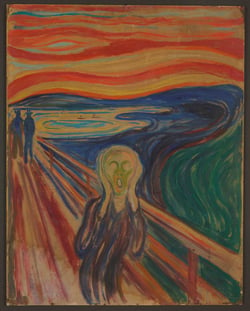 The MUNCH Museum is a monographic museum dedicated to Edvard Munch (1863–1944), one of the pioneers of modern expressionism and the artist behind The Scream. Munch left his remaining works to the city of Oslo in his will, with the wish that they remain accessible to as many people as possible, for generations to come. That wish is the foundation of the museum.
In October 2021, the museum moved from a small, remote location in Tøyen to its current waterfront building, expanding from a single exhibition room to a building with five permanent exhibitions about Munch and several special exhibitions running at the same time.
The collection holds roughly 42,000 objects connected to Munch: paintings, drawings, graphic works, photography, sculpture, and his diaries and letters, along with more personal items such as his brushes, paint tubes, and the chairs he used.
Image: The Scream, © Munchmuseet. Licensed under CC BY-NC-SA 4.0.
— "I've been working at the MUNCH Museum for about four years. I'm responsible for all the IT systems managing the museum collection. We have about 42,000 objects related to Edvard Munch, from paintings, drawing, graphics, photography, sculpture, and diaries and letters. So, it's quite diverse. We also have other types of objects, such as his brushes, his paint tubes, and the chairs he used to sit and read in."
A collection that is always being improved
A collection of this size is never truly finished. There is always more to photograph and describe, and more to keep current as the museum's understanding of its own holdings grows.
In 2022, the museum photographed about 85 % of its collection, but graphic works lagged behind, with only 8,000 photographs out of more than 18,000 objects. The team set out to close that gap, capturing 10,000 new photographs over two years. At that point, the museum had no automation in place, which made the task of getting all those new images into the Digital Asset Management (DAM) system with correct, consistent metadata a pressing problem.
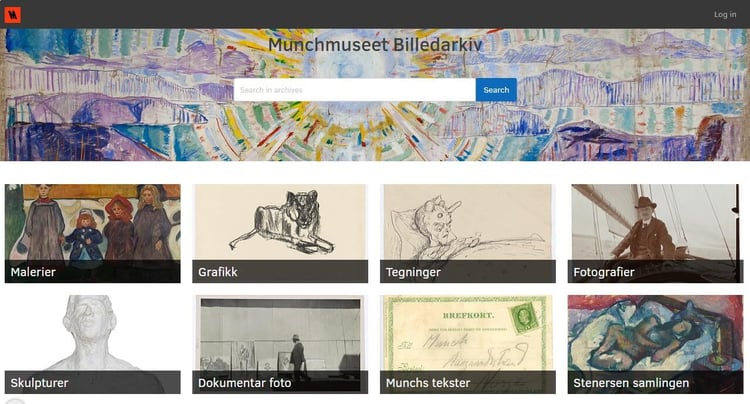
TMS Collections is the museum's Collection Management System (CMS) and the master source for object information. Whereas the DAM system, Fotoware Veloz, is where assets live and are made accessible, both to the public through a curated online portal and to internal teams across marketing, conservation, and events. Keeping object information aligned between the two systems, by hand, across a constantly growing collection, was never going to scale.
From manual scripts to automated synchronization
The museum's core requirement is simple to state and hard to do well: when a new photograph of a collection object is taken, it should automatically be populated with up-to-date, correct, and consistent metadata, perfectly matching the object information found in the CMS.
Discover the workflow automation engine Flow. >
Lowering the IT burden
For a long time, the museum's infrastructure was hosted locally by the city of Oslo, which meant that any infrastructure issue or software update had to be routed through a third party. Moving to SaaS deployment of Fotoware in January 2025 changed that. The software provider now handles infrastructure, updates, and support directly, which removed a layer of dependency and gave the museum a direct line to Fotoware. It also meant that new capabilities, including Flow, were available as soon as they were deployed.
From programming to easy configuration
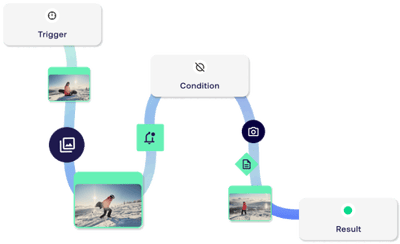 The team's ambition was to move from writing and maintaining code to configuring workflows. With Flow, that is exactly what happened. Selecting which assets to act on is done through a query builder that translates a familiar search into the right syntax.
Pulling data from the Collection Management System is a matter of configuring an API call, mapping the response fields, and testing the request inside the tool. Business rules, such as the copyright that applies depending on whether an artist died within the last 70 years, are handled with dynamic variables rather than buried in a script.
The result is that the Python scripts have been retired, and the synchronization now runs on its own.
Webinar
No-code DAM automation
Building Flow together
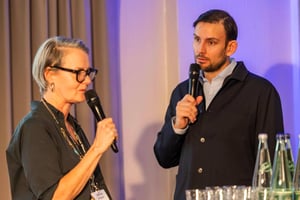 The automation journey started in 2025. As Fotoware's headquarter is located in Oslo, fairly close to the museum, the two teams visit each other often. During one such visit, the museum described its need for a more integrated, configurable way to synchronize metadata, and a collaboration began.
The MUNCH Museum was an important contributor to the development of Flow and helped define use cases by sharing existing workflows and scripts, taking part in the testing as well.

— "It's so fun to see how this is used in a real-world case. That was our goal when we started building Flow, to help customers like MUNCH automate things in a super easy, user-friendly way. We're trying to make this as configurable as possible, so that you can read files, perform quick auto-tagging, connect your APIs, and create your dynamic variables to fit your specific use cases and your specific needs."
Advanced workflows, without code
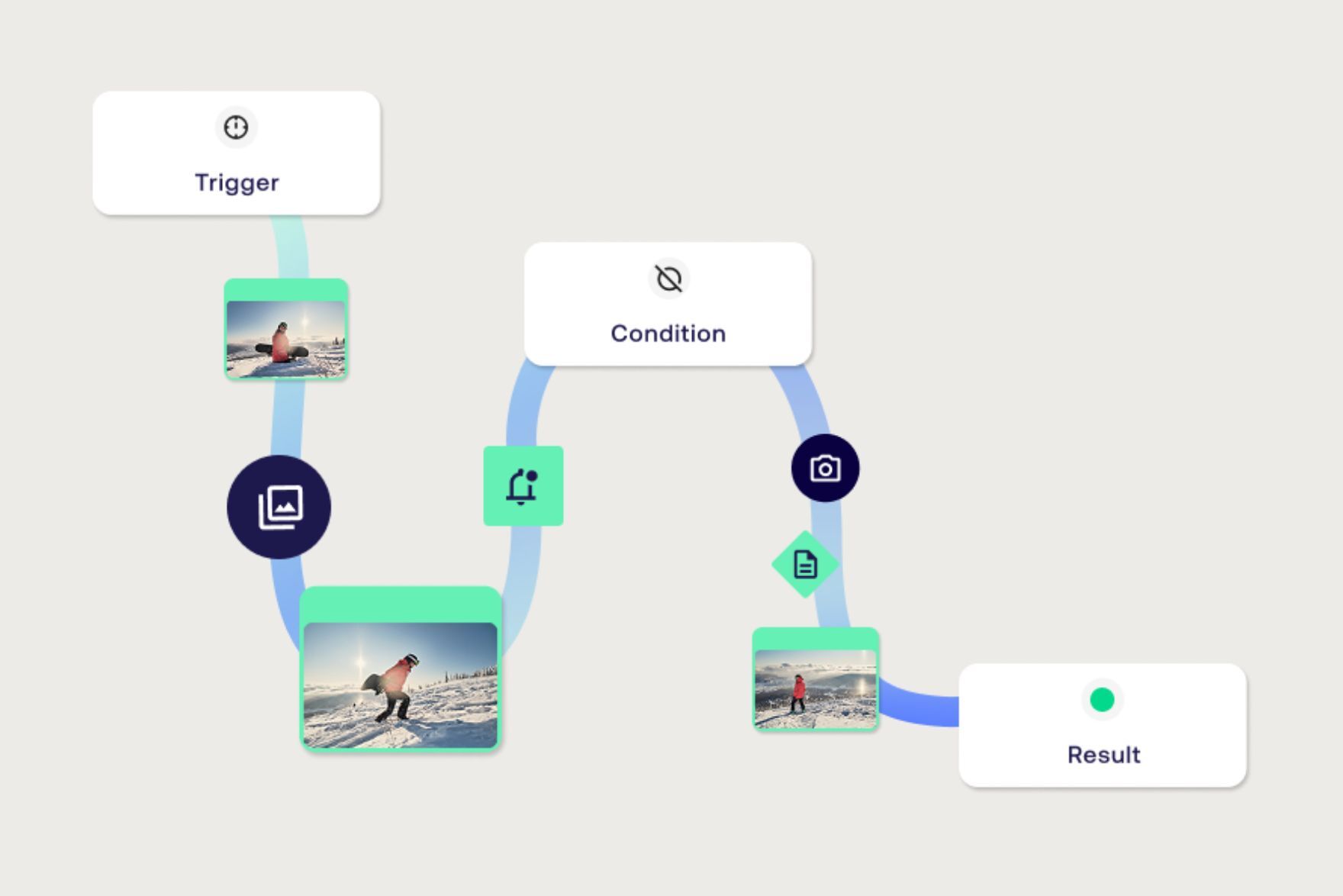
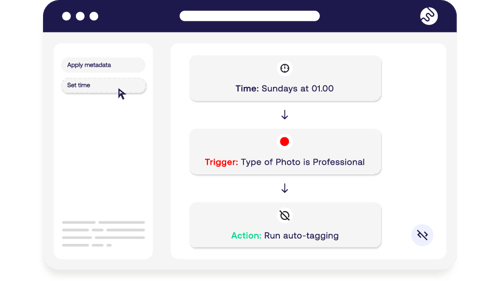 Flow is built so that a DAM administrator can construct advanced workflows without writing custom code. A workflow is structured around three questions: when something should happen, which assets it should happen to, and what should happen to them.
Around that spine sit nodes for querying APIs; extracting information from file names; generating or altering file names; performing AI-powered auto-tagging; moving assets between locations; and creating dynamic variables. In Flow, all such operations are configured by clicking rather than coding.
The newest capability is AI-powered translation of metadata fields, which lets DAM admins maintain the same information in multiple languages and keep those versions in sync automatically.

Want to learn more?

On this page