What are the benefits of a DAM CMS integration?
A DAM CMS integration makes your content ecosystem more efficient, controlled, and scalable. A DAM manages and governs digital assets, while a CMS publishes content across your website and other digital channels. When the two systems are connected into a centralized content ecosystem, teams can reduce manual work, avoid duplicate files, and reuse approved content more easily. The three main benefits are:
-
Keep all your assets in one place.
-
Ensure brand consistency.
-
Scale content operations.
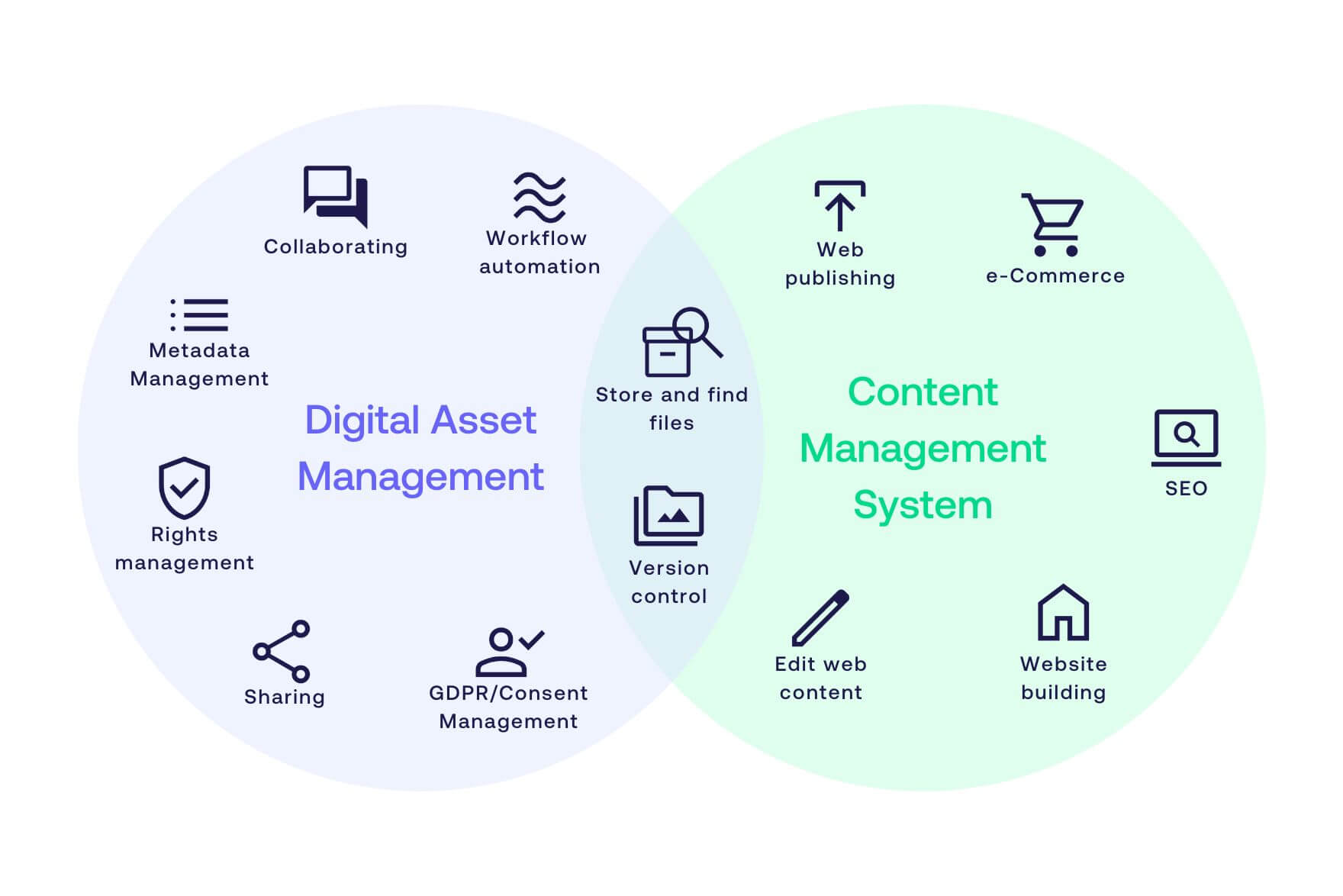
The two systems complement rather than replace each other. The easiest way to understand the difference is this: a CMS manages where content appears, while a DAM manages which assets are approved, searchable, and ready to use.
| System |
Main role |
Structured by |
| Digital Asset Management (DAM) |
Store, manage, and distribute visual assets from one hub |
Metadata |
| Content Management System (CMS) |
Create and publish content on web pages |
Site and page structure |
How does a DAM CMS integration keep your assets in one place?
Integrating your DAM with your CMS lets you store every asset in one central hub, separate from your website. Because a DAM is structured around metadata, teams can locate the right file through dynamic searches or predefined taxonomies, quickly filtering out irrelevant assets.
This removes the need for local storage and the problems that come with it, from lost files to version confusion, some of the most common content challenges teams run into.
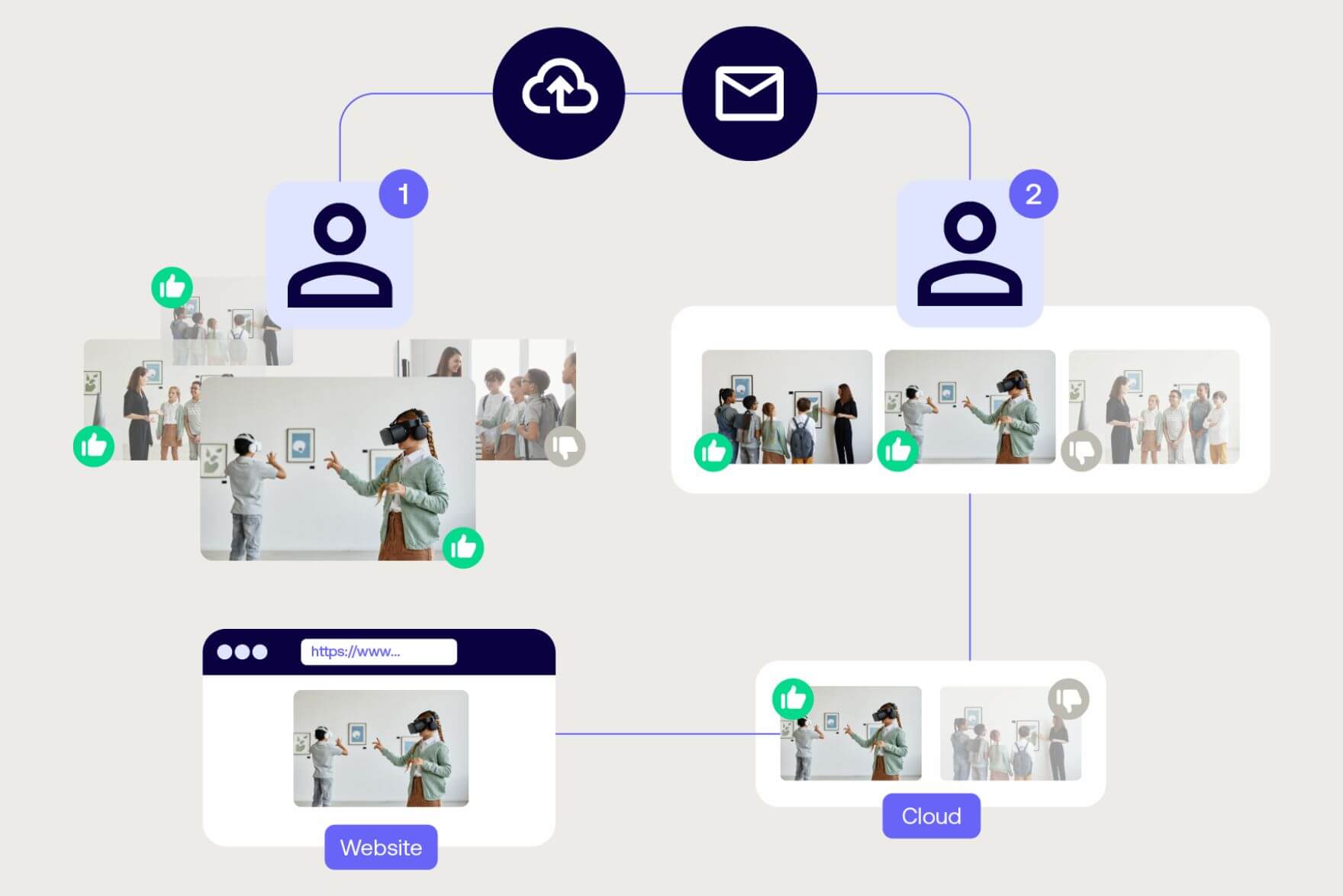
In short, the integration lets you search for and find every digital asset in one place. Since the whole library is available through the connection, you can fetch the right image and publish it on your website in seconds, without creating duplicates or changing the original file. It is the first step toward a connected content ecosystem with your DAM at the core.
Read how RISD Museum built a connected ecosystem for all its digital assets
How does a DAM CMS integration ensure brand consistency?
A DAM CMS integration protects brand consistency by making sure only approved, up-to-date assets are available when you build your web pages. Because a DAM structures files with metadata, it is the natural place to enforce brand standards, and the integration carries that control into your CMS.
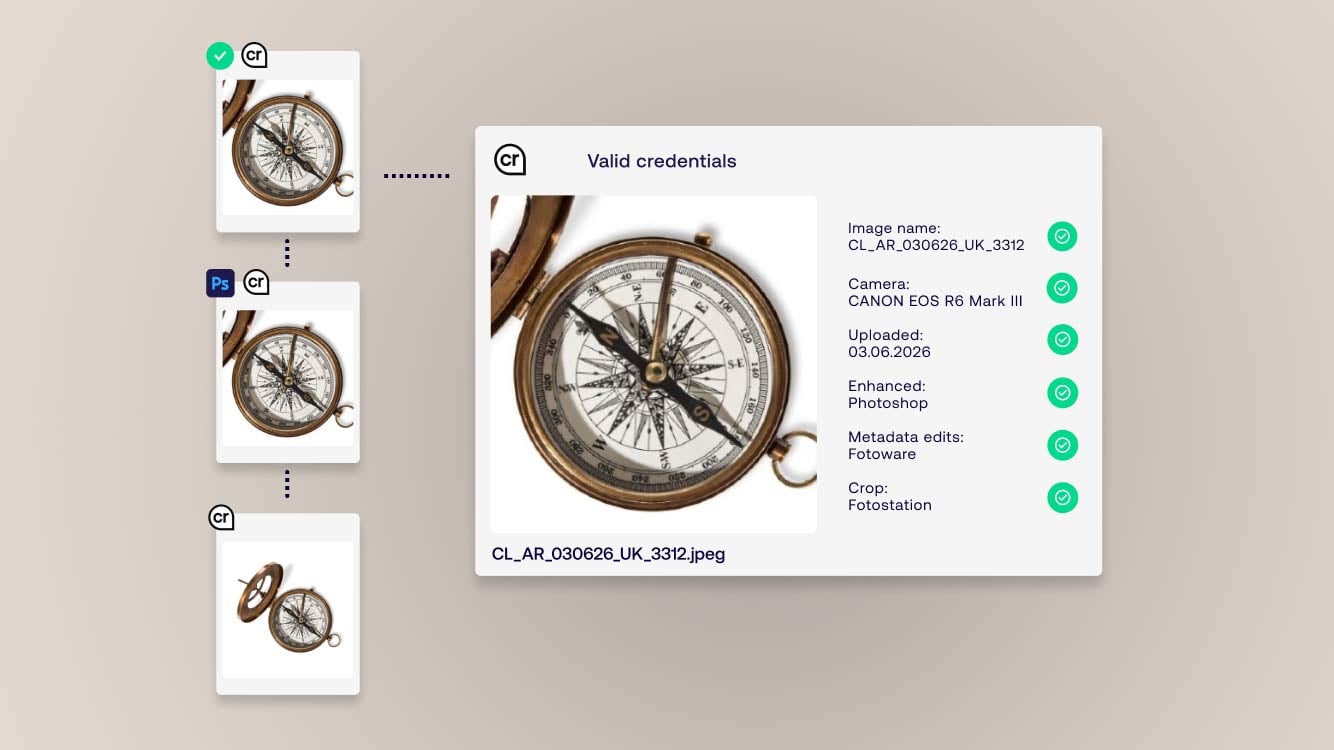
Many DAM systems like Fotoware offer export tracking, so once connected, you can see exactly how and where each asset has been used. If an image reaches its expiration date, you can find when and where it was published and replace it quickly.
This is where governance pays off. You keep control over which assets are current, cleared for use, and safe to publish, which protects both your brand and the trust of everyone who sees your content.
Read more: How DAM enables Bystronic to keep brand consistency across channels
How does a DAM CMS integration help you scale content operations?
A DAM CMS integration helps you scale content operations by letting your asset library grow while you keep full control of every visual. At the heart of content operations is the ability to move assets across programs and platforms, a task that gets much simpler once integrations are in place. In 2026, a DAM increasingly works as the core of an integrated content ecosystem and plays a central role in how organizations ensure high-volume content organization and distribution, scale responsibly and meet regulatory requirements.
Integrating DAM and CMS is central to that scalability, because it lets your library grow while keeping full control of all visuals. A DAM with an open API can connect to your wider tech stack, from your CMS to design tools and product information systems. If you ever need to replace your CMS, the integration makes that move easier, since your visuals stay completely detached from the third-party software.
For teams evaluating DAM and CMS integration, ready-made connectors matter because they reduce implementation effort and make it easier to connect content workflows without relying on custom development for every publishing channel.
Fotoware offers ready-made CMS integrations and plugins for platforms including WordPress, Optimizely, Sitecore, and Drupal, so you can connect your systems without custom development.