What is Digital Asset Management?
Digital Asset Management is a system for storing, organizing and distributing large amounts of digital assets across their full lifecycle, while managing rights and permissions. In other words, it is a central hub for your digital content to be organized and searchable so that your colleagues can find them at any time without your help.
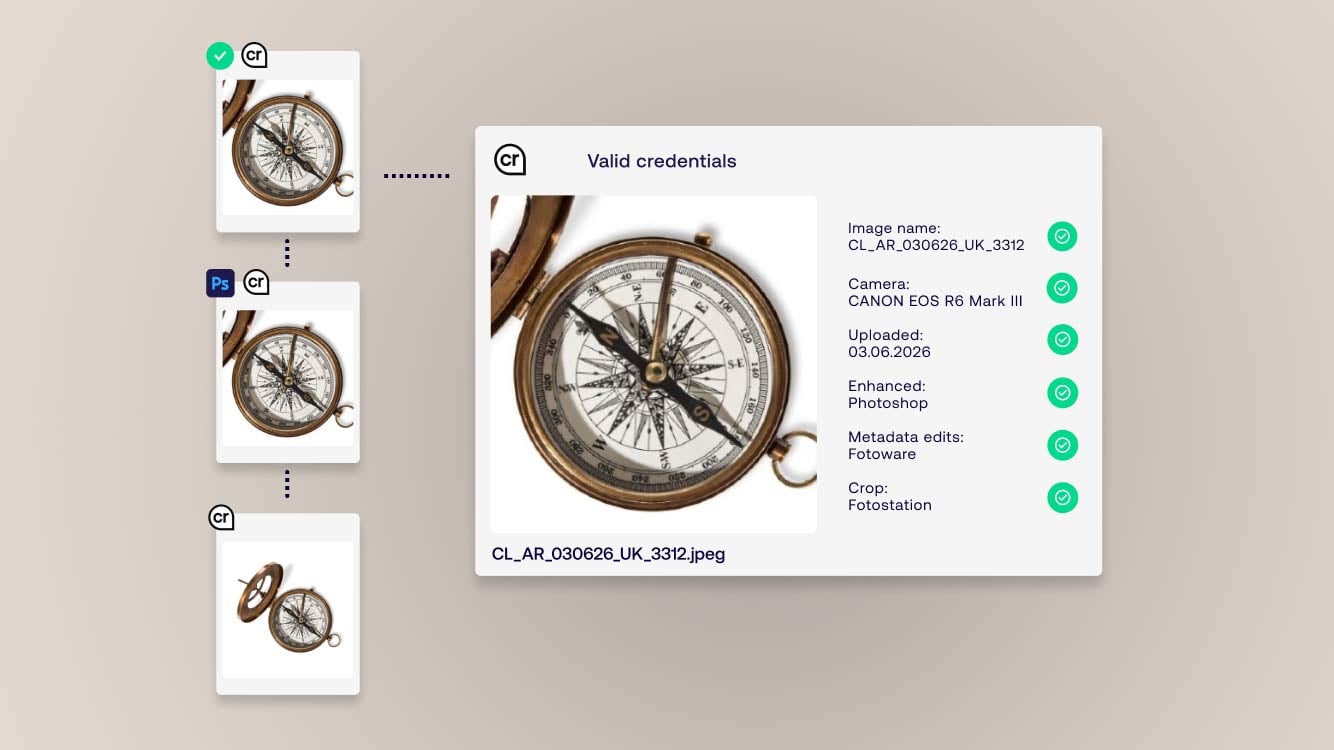
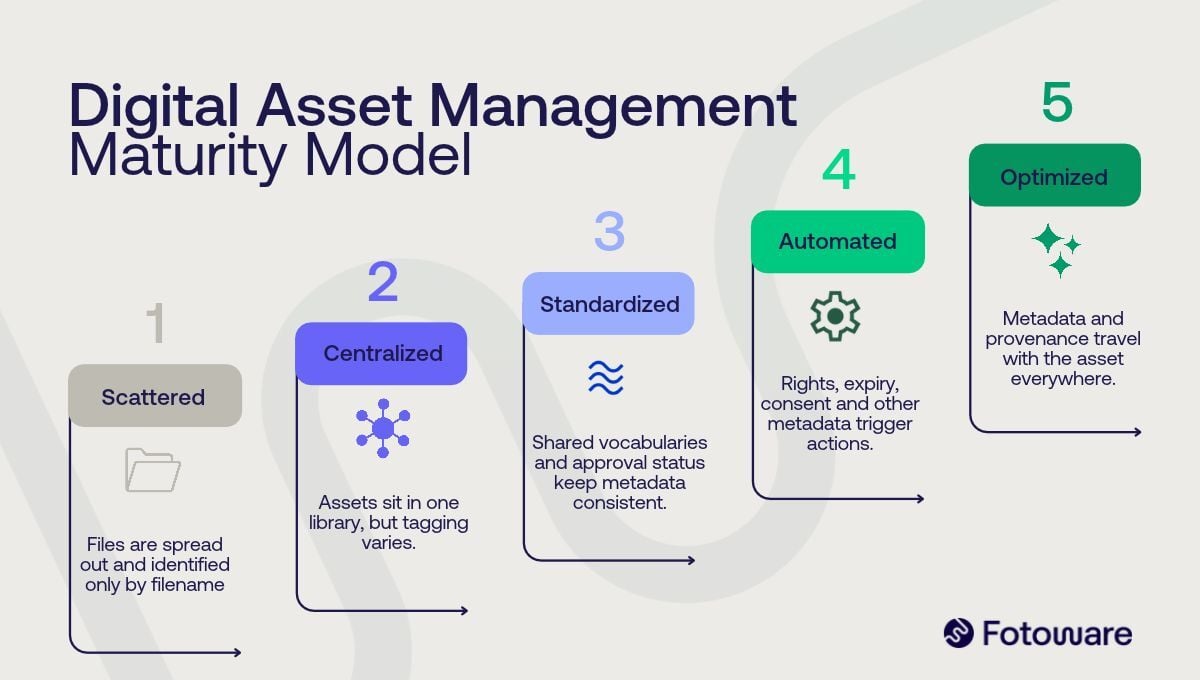
This works because a DAM relies on metadata: extra information added to your files, such as keywords, capture details, usage rights and descriptions. Metadata can be added by the user, like keywords and description, or it can be pulled in automatically, such as creation date, file size, and file type. Metadata can also control when an asset is used, and when it should not be. A DAM can show visible markers on an asset based on its metadata, for example to display the usage rights and licenses for stock content, or the GDPR consent status for images of people.
By adding metadata, the value of your files increases because they can be found and reused whenever you or someone in the organization need them.
Read more: Digital Asset Management (DAM): the complete guide
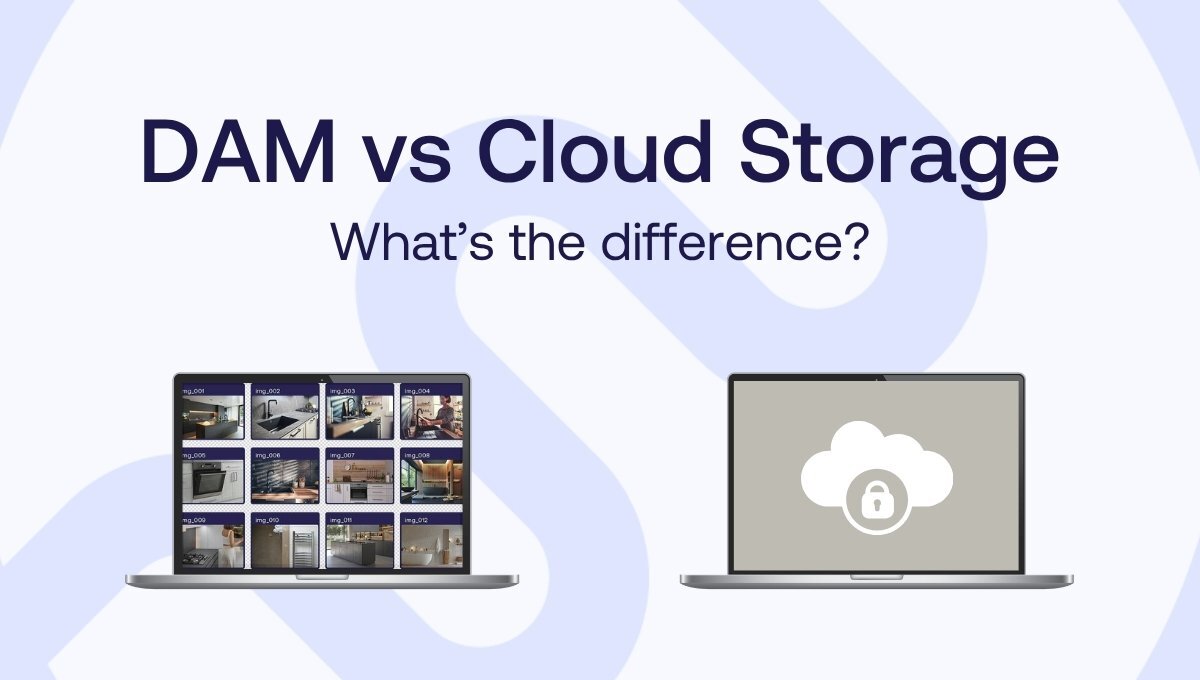
How does cloud storage differ from Digital Asset Management?
The core difference is focus: cloud storage is built around the user, while Digital Asset Management is built around the assets. Content uploaded to a DAM is available to everyone in the organization by default. You can still restrict access for certain users, departments, or teams, but the system is designed to serve as a common hub for your digital assets.
Cloud storage works the other way around. When you add files, they stay private until you decide to share them. That makes it hard for colleagues to find what they need without asking you first. Cloud storage depends on people knowing exactly where a file lives: the right folder, the folder structure around it, and sometimes the exact filename.
Instead of relying on folders and filenames alone, a Digital Asset Management solution uses metadata: descriptive, technical and administrative information added to a file which makes it findable, governed, and reusable. Most DAM systems, including Fotoware, are Software-as-a-Service (SaaS) solutions and store assets in the Cloud.
| |
Cloud storage |
Digital Asset Management |
| Built around |
The user |
The assets |
| Default access |
Private until the user shares it |
Available to the organisation, partners, or externals based on permissions and access rights |
| Findability |
Remember the folder and the filename |
Search by metadata: keywords, dates, rights |
| Rights and consent |
Tracked manually, if at all |
Attached to the asset and shown as visible markers |
| Best suited to |
Day-to-day working files |
Large amounts of assets organised with advanced metadata and content workflows, easy to find and reuse |
Do I have to choose between cloud storage and a DAM?
No. Cloud storage and a DAM can complement each other, and many organizations run both. You do not have to choose one type of system over the other.
Cloud storage usually supports work-in-progress files, while a DAM manages the entire content workflow offering a governed place for the assets to be found and managed at scale, transforming your organization’s efficiency.
That said, if your only goal is to store all your files in one place, it is worth taking time to evaluate which type of solution fits your needs best. A Digital Asset Management platform like Fotoware acts as the central hub where assets stay organized, governed, and ready to reuse.
How does a DAM compare to specific cloud storage tools?
A DAM adds metadata, rights control, version control, and automation on top of what cloud storage tools like the Microsoft platforms (SharePoint, OneDrive), Google Drive and Dropbox already do well. Here is what each tool is built for:
DAM vs SharePoint
SharePoint is the main Microsoft 365 collaboration tool for team sites, content sharing, and document management. OneDrive supports individual cloud storage, while Teams brings chats, meetings, and calls together, with shared files stored in SharePoint or OneDrive.
Learn more: DAM vs SharePoint
DAM vs Google Drive
Google Drive is a cloud-based file storage and collaboration platform that enables users to store, share, and work on files from any device.
Learn more: DAM vs Google Drive
DAM vs Dropbox
Dropbox offers storage and sharing for individuals and businesses, but it works with files differently once they are stored.
Learn more: DAM vs Dropbox
*
Digital Asset Management (DAM) systems like Fotoware work as central hub for the entire content lifecycle by adding metadata, usage rights, and consent markers, thus supporting compliance such as GDPR, ensuring brand consistency, and making assets organized, findable, and reusable at scale.