
CONTENT AUTHENTICITY Get proof behind every image
Verify where content came from, what happened to it, and whether AI was involved.

Know what you are publishing, and prove where it came from
|
|
Keep the chain of authenticity intact
![]() ✓ Credentials intact Captured on a C2PA-enabled camera Two edits recorded, both signed No AI involvement |
![]() ✗ No credentials found Origin unknown Edit history unavailable AI involvement cannot be ruled out |
Authenticity doesn't stop at capture. Fotoware preserves the proof as images move across people, systems and workflows.
Fotoware DAM and C2PA Provenance that survives the asset lifecycle
Content Credentials only create value if that information survives the workflow. As the system where content is managed, enriched and distributed, DAM plays a key role in preserving authenticity from creation to publication.
-
Prove content provenance
Maintain a traceable record of an asset’s history to respond confidently when content is questioned.
-

AI transparency
Identify and label AI-generated or modified content.
-
Protect organizational trust
Prevent misleading or manipulated assets from damaging the organization’s credibility.
|
|
|
|
C2PA |
Content Credentials is the label that give you certainty about the images that carry them: where the file came from, every edit, whether AI was involved. Cameras, Photoshop and the major AI tools already write them. |
CAPABILITIES Preserve proof across the entire content lifecycle
END-TO-END SUPPORT FOR CONTENT CREDENTIALS Proof that travels with the asset
Authenticity is only valuable if it survives the systems, workflows and channels content moves through. Fotoware helps preserve Content Credentials and provenance information as assets move from ingestion to publication and distribution.
- check Content credentials intact end-to-end
- check Credentials preserved at ingest over sFTP
- check Proof travels with the file via sFTP
- check Full audit trail for inspection
AUDIT TRAIL Know exactly what happened, not only that something changed
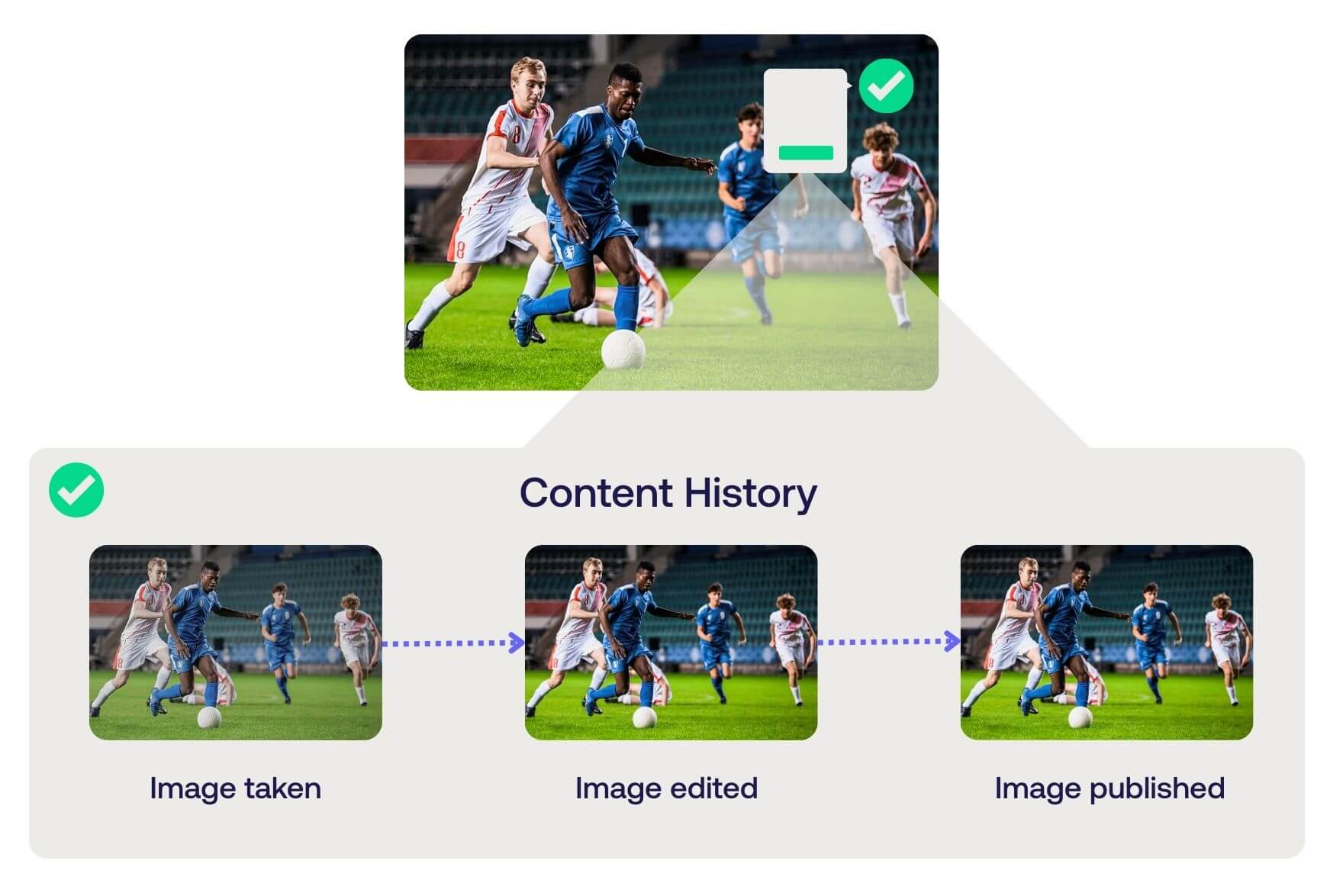
Knowing an image was edited is rarely enough. To establish trust, you need to know what changed, who changed it, which systems were involved and whether AI was used.
- check Full edit history per file
- check Systems and tools used, recorded
- check AI editing recorded as a signed step
- check Later signatures captured in sequence
VISIBLE VERIFICATION Verification at a glance
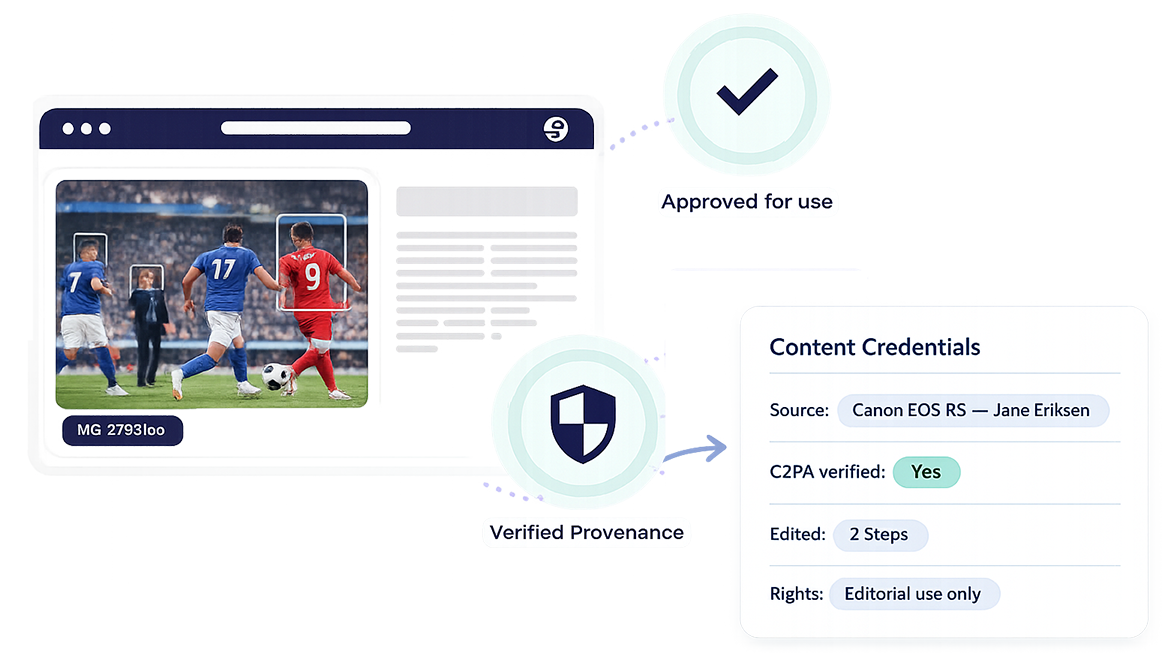
Anyone handling content should be able to verify authenticity instantly. Fotoware makes provenance, AI involvement and verification status visible directly where people work.
- check Validity markers on every file
- check Filters exclude unverified images from search
- check AI involvement marked clearly
- check Filters can exclude unverified or AI modified images from search
"We can't tell you an unsigned image is genuine or fake. What we can do is allow you to build a workflow where images arrive with their history intact, and leave with it too."
FAQs about content authenticity
-
Content Credentials is metadata, stored inside the image file alongside IPTC and EXIF.
Unlike ordinary metadata, they are cryptographically signed, so they cannot be rewritten. Cryptographically signed means the record is sealed with a digital signature. It proves who created it, and any change to the file or its history breaks the seal, making tampering visible.
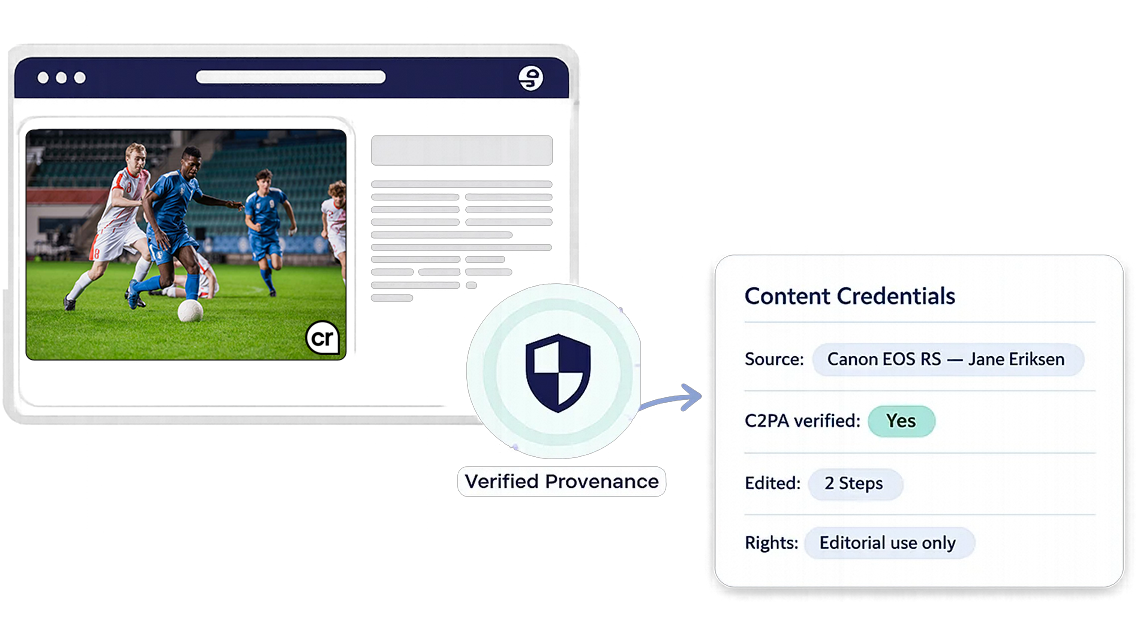
Platforms and publishers can choose to display the Content Credentials icon alongside a verified image, which is how a reader knows the origin can be checked, in the same way a padlock signals a secure website. -
The icon, a small "cr" pin, means the image carries a Content Credential you can inspect. Clicking it opens the record stored inside the file: where the image came from, which tools were used on it, whether AI was involved, and who signed it.
It is an invitation to check, not a verdict. The icon does not claim the image is unedited or accurate. A heavily edited photograph can carry a valid credential, because the credential records the editing rather than forbidding it, and an AI-generated image from a tool that signs its output carries one too, with the record saying so. -
No.
Absence of credentials proves nothing either way. It means the image carries no record of its origin, the same as almost every photograph taken before the standard existed.
Credentials give you certainty about the images that carry them, they are not a detection tool for the ones that do not.
-
No. Whether the icon appears is decided by the platform or publication showing the image, not by the file itself.
LinkedIn and Adobe display it today, and more publishers are adopting it, but a website or print page will only show it if its owner chooses to.
What matters is that the credential is there to be read. If it survives your workflow intact, the icon can be displayed wherever a platform supports it, and anyone can verify the image even where it is not shown. If the credential is lost in export or conversion, there is nothing left to display anywhere. -
Content provenance is the documented history of an image: where it came from, which tools were used on it, what was changed, and whether AI was involved at any point. It covers the whole journey from capture through editing to publication.
-
Provenance is the record itself.
-
Content Credentials is how that record is carried inside the file, and
-
C2PA is the open standard that defines how it is written and read.
Provenance only holds up if it survives every system the image passes through, which is why it is preserved or lost in the DAM.
-
Get proof behind every image
Show where your images came from, what happened to them, and that nothing was hidden along the way.