
<img src="https://ad.doubleclick.net/ddm/activity/src=10024890;type=invmedia;cat=front0;dc_lat=;dc_rdid=;tag_for_child_directed_treatment=;tfua=;npa=;ord=1?" width="1" height="1" alt=""> Fotoware Flow: Advanced automation for Fotoware Veloz
Skip to content

FLOW BY FOTOWARE Stop handling files by hand

Turn your repetitive asset tasks into automated workflows you can trust to run without you.
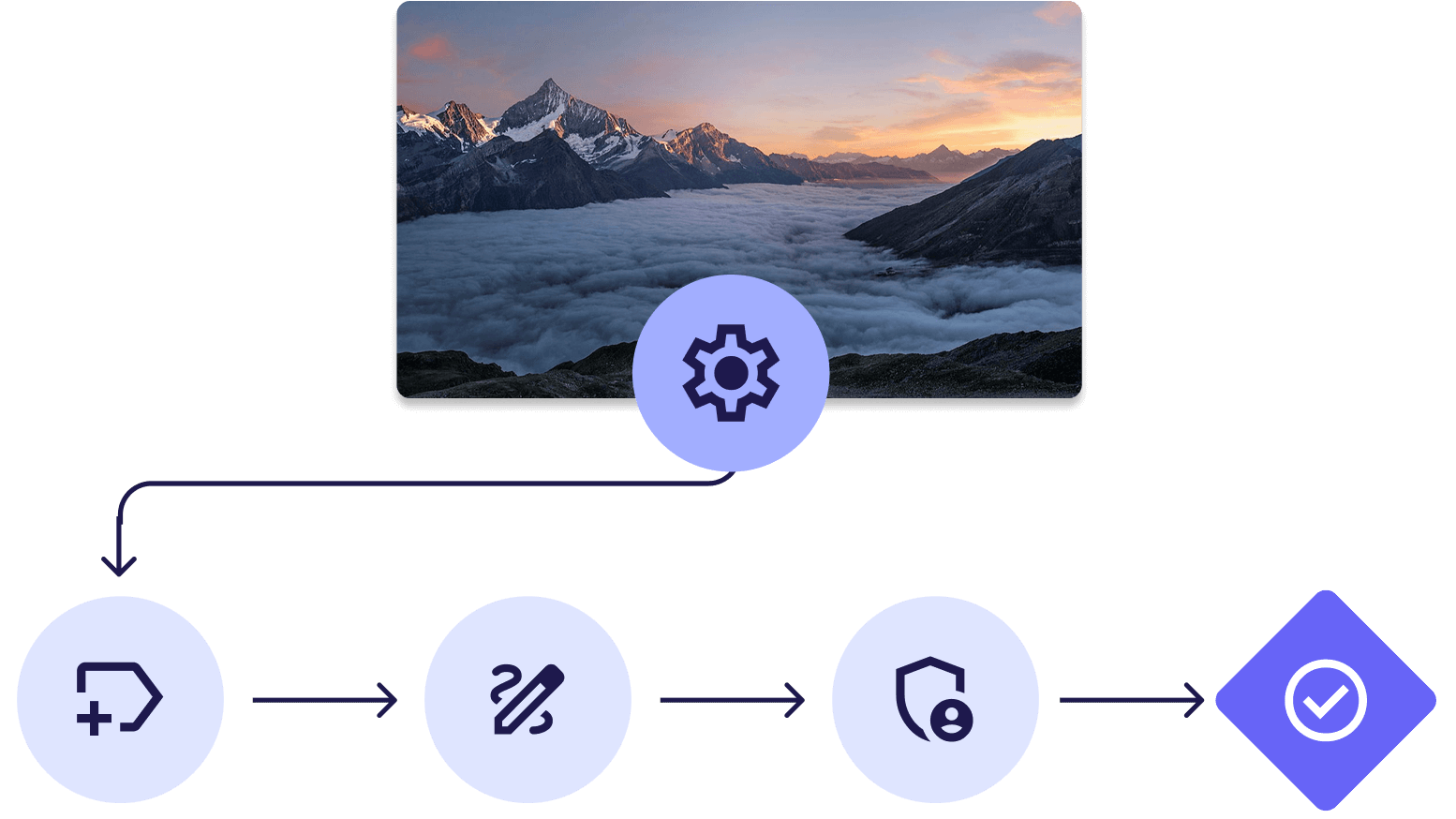
An automated workflow process, with a flowchart showing sequential steps powered by metadata and automation tools, and a scenic image of mountain tops.

Build metadata-driven workflows that manage assets consistently

Flow is the cloud-native add-on for Fotoware Veloz that lets you design and scale advanced workflow automation. Instead of relying on repetitive manual tasks, you build rules and metadata-driven processes that enrich, route, and manage assets consistently across your organization.
flow-by-fotoware-add-on

Workflows powered by Flow

  • Ingestion

    Automatically ingest assets from FTP or Azure, so content flows directly into your DAM without manual handling.

  • File naming

    Apply naming conventions automatically. Extract, restructure, or generate filenames based on rules.

  • Metadata enrichment

    Apply metadata automatically from source data or AI detection during or after upload.

  • Metadata translation

    Translate metadata fields automatically, so assets can be used consistently across languages and markets.

  • Image processing

    Resize and convert files automatically, so print, web and regional versions are ready before anyone asks for them.

  • Archiving and compliance

    Move files into long-term storage on schedule and keep a system log that shows what happened to each one.

  • Purging & expiration

    Retire expired and duplicate images on metadata rules, so storage stays lean and search results stay clean.

Discover Flow in action

See how Flow helps your team streamline digital asset workflows. From ingestion to distribution, Flow centralizes and automates processes so you can work smarter and faster.

Automate the work that keeps your content moving

Automate everything from ingestion and processing to distribution and updates, so your workflows run consistently without manual coordination.

Automated workflows Run multi-step workflows end to end, over and over

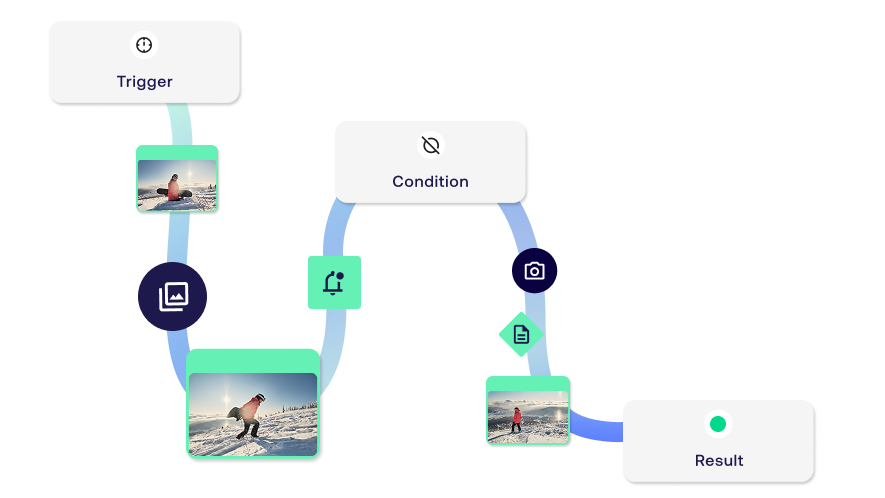
Repeatable file work eats hours that no one budgets for. In Flow you connect input, trigger, action, and output nodes into a workflow, enable it, and the job runs on your terms without anyone opening a client.
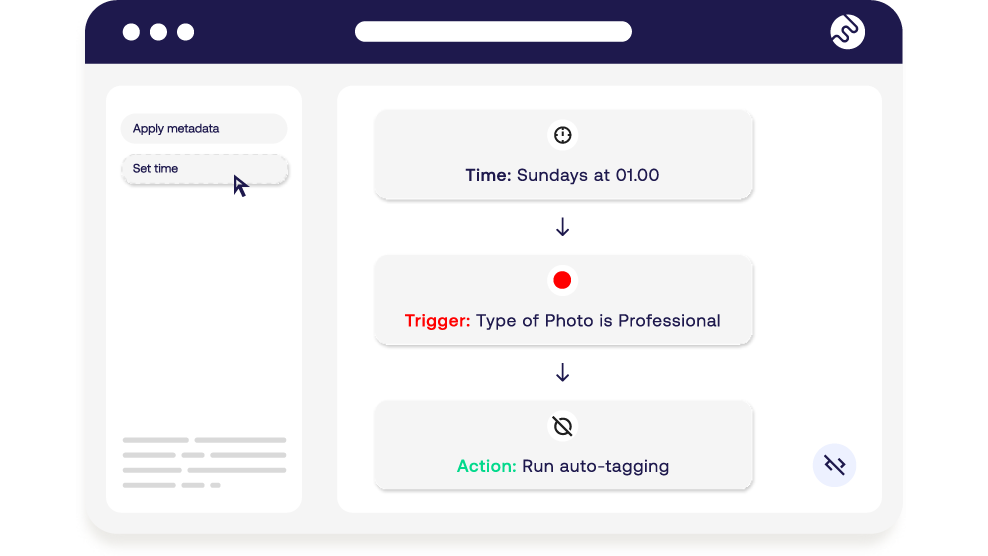
  • check Define steps, conditions, and destinations with a few clicks
  • check Chain multiple actions in one workflow
  • check Trigger on a schedule or on an event
  • check Visual, no-code workflow builder
Fotoware Flow enables visual, no-code workflow automation

Ingestion and sFTP Manage delivery from photographers without babysitting an inbox

Files arriving from photographers, agencies, and partners usually need someone watching an inbox. Flow handles FTP intake directly, with server groups that control who can access what.

  • check Secure ingest straight into Fotoware Veloz
  • check Manage user access by group
  • check Review and allow banned IP addresses
ftp-transfer-2 (1)

Metadata enrichment & AI tagging Enrich thousands files with metadata for instant structure

Use AI, metadata and workflow rules to auto-populate assets during or after upload. Assets are organized as they enter the system so content is usable and consistent from day one.
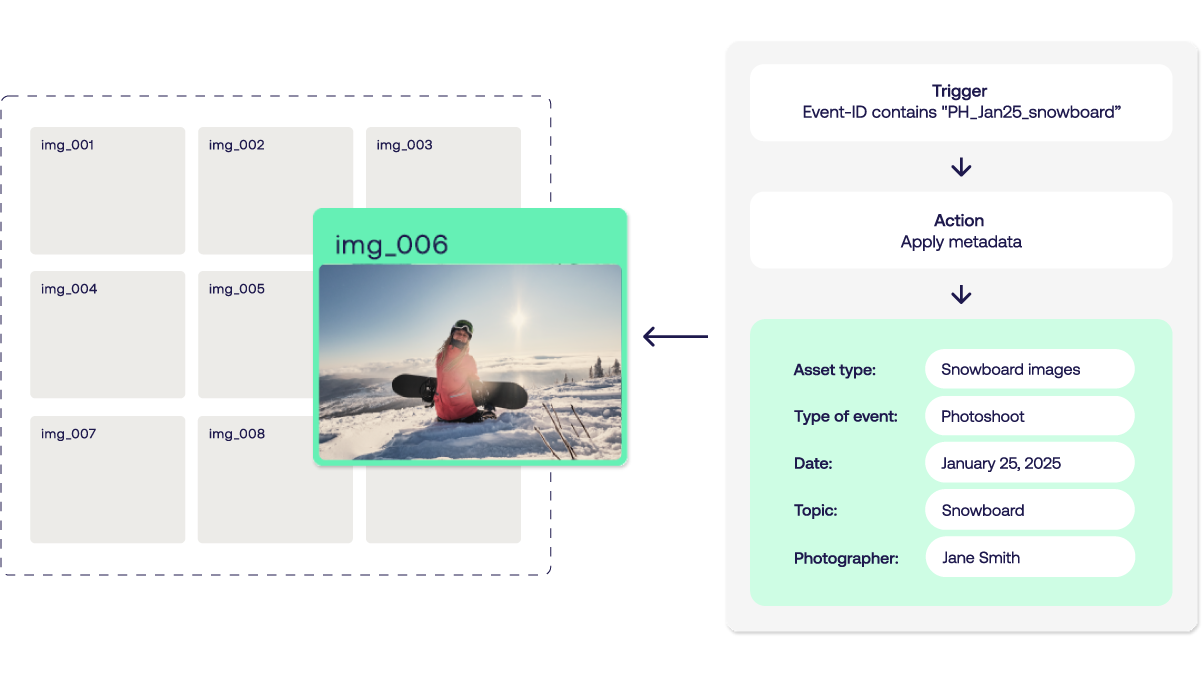
  • check Trigger AI auto-tagging automatically
  • check Populate copyright, campaign and photographer fields
  • check Adjust existing metadata in bulk
  • check Consistent metadata across every ingestion route
metadata-enrichments

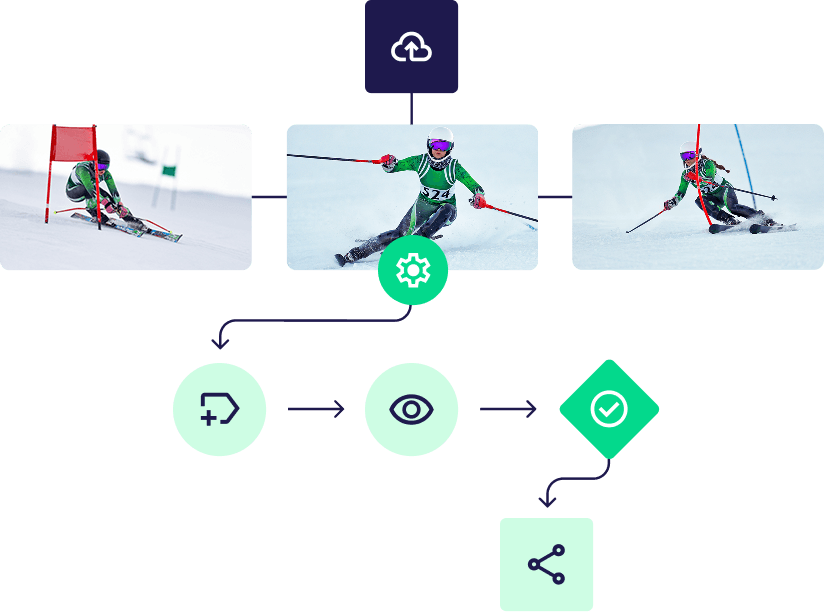
Transform assets as part of the workflow

Convert, rename, and transform files automatically during processing, so assets are always delivered in the right format for each use and destination.
workflow-media

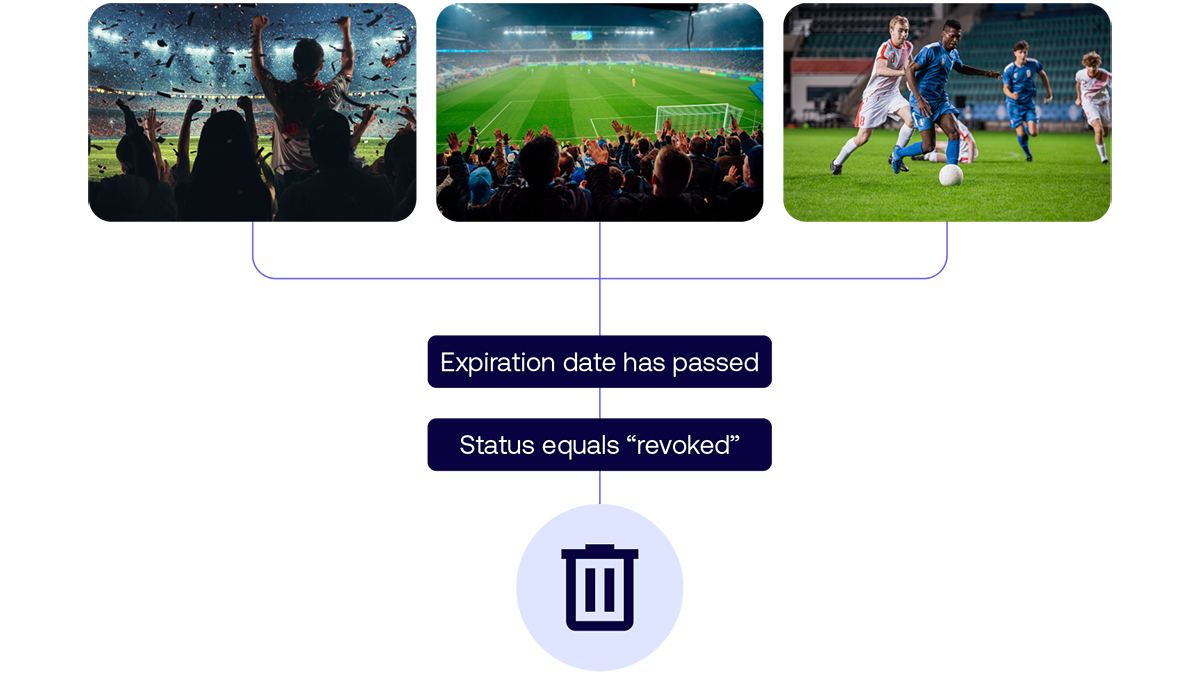
Enforce governance and lifecycle rules automatically

Apply metadata-based rules for rights, retention, and expiry, so assets are handled correctly and stay compliant without manual oversight.

automate-purging-flow-by-fotoware
Florence-Froidevaux

munch-frame

— "When we tested it the first time, I couldn't believe that I was able to retrieve information in from the CMS in such a short time. (...) It takes five minutes. We dropped all the Python scripts, and this is running automatically. I don't need to manually check anything."
Florence Froidevaux - System Architect at MUNCH Museum

How it works

Advanced trigger-based workflow automation Build workflows visually, no code required

Drag and drop your way to automated workflows. Pick a trigger - a new asset, a scheduled time, an incoming request - then add the steps you want, like converting files, adding metadata, or routing assets. Flow handles the complex parts behind the scenes: it can branch, run steps in parallel, and adapt to each asset automatically, so even advanced processes are simple to set up.

Fotoware Flow enables visual, no-code workflow automation

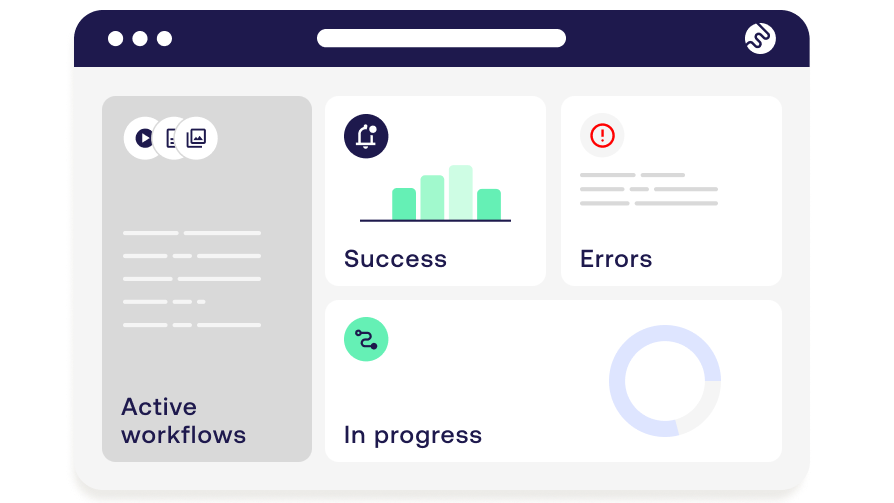
Monitoring and logs for total control

With real-time dashboards, you track active workflows as they run, and detailed logs tells you why it ran, and how it performed. Spot issues early, troubleshoot quickly, and keep automations reliable.

monitoring-flow-success

azure-cloud-1Realiable and secure automation

Flow is built on Microsoft Azure for enterprise security and scalability - keeping your data safe and your workflows future-ready.

Who will benefit

andreas-bergman

Get access to smarter automation

Experience how advanced automation can transform your asset management workflows.