“The moment a picture arrives in our working environment, it already has the proper metadata”
- Kris Verschooten, Head of Internal Production & Logistics, at Vlaamse Radio- en Televisieomroeporganisatie
English
GermanThe leading image management and photo workflow tool for handling large batches of files and data – preferred by photographers worldwide.
Available as a bundle of 10 users, or as an add-on to our DAM Fotoware Veloz.
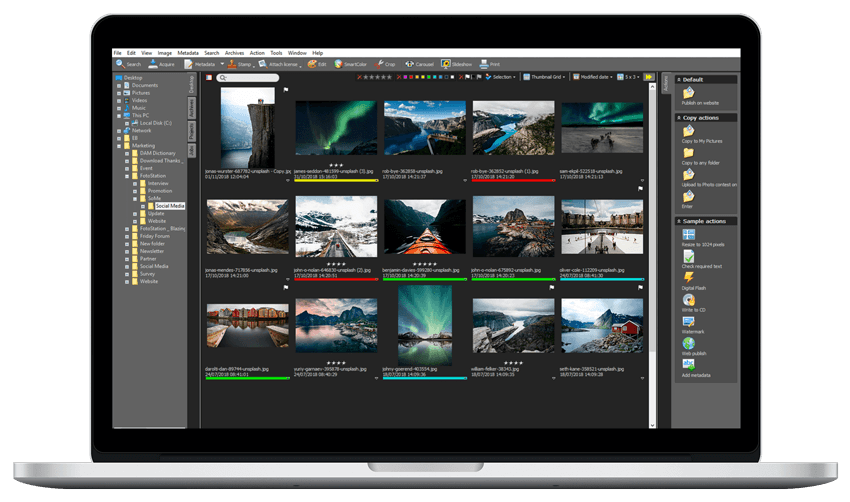




Build advanced data structures with controlled vocabularies and hierarchical metadata to ensure every image is consistently tagged and easy to find. With Fotostation, you can edit metadata quickly in bulk, link related fields when needed, and maintain clean, reliable metadata even across very large image collections.
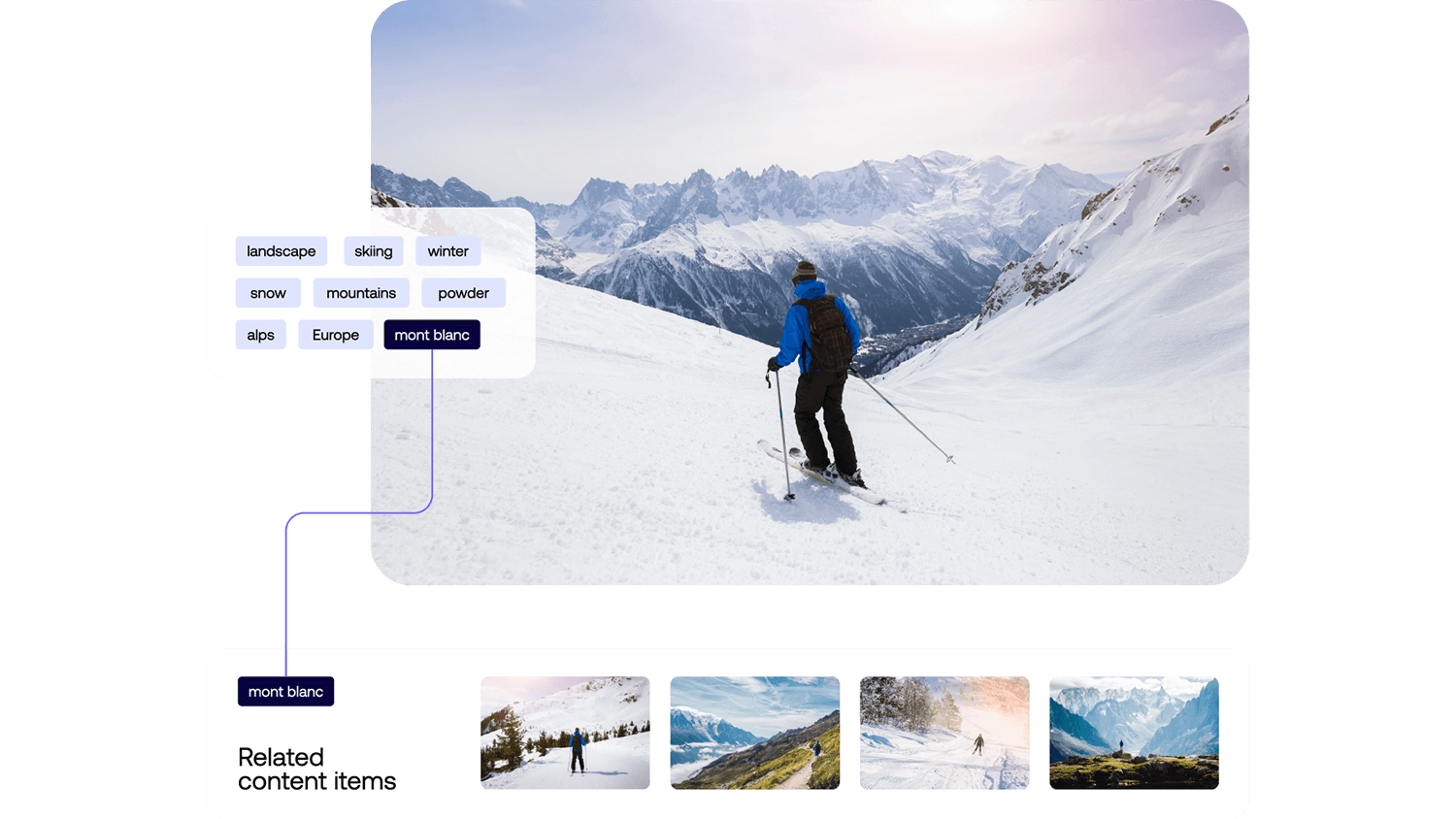
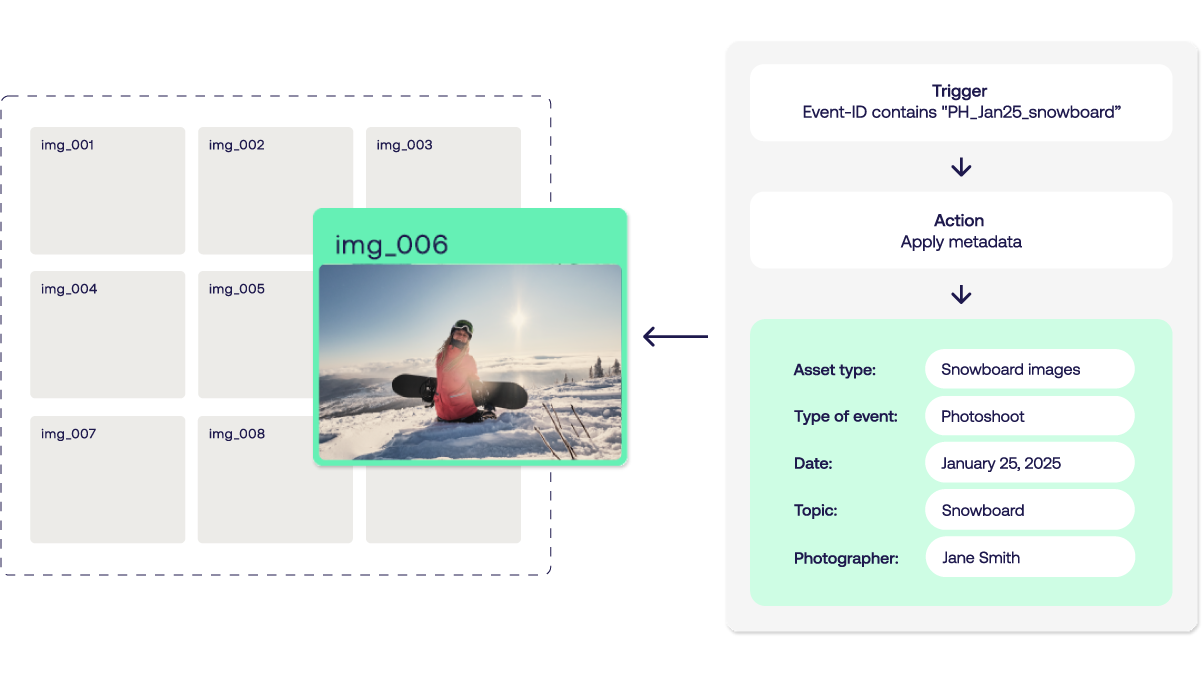
Move files to new locations, update metadata dynamically, and keep processes consistent at scale. Fotostation lets you build sophisticated, customizable metadata workflows tailored to your needs. Stack actions, define conditional rules, and populate metadata automatically using macros that trigger actions when tags are applied or updated - so complex workflows run reliably without manual effort.
Connect Fotostation to Fotoware DAM to enable team members to work remotely and efficiently across locations. Connect to multiple tenants and storage units at once to access and edit files across locations. Customize the interface, actions, and shortcuts to fit your way of working - so you stay fast, flexible, and in control.